Windows Update Restored V3.1

Make sure to read all the information provided on this page about Windows Update Restored V3.1 before using it!

ARCHIVAL NOTICE: This version terribly lacks inventories, which causes many languages to throw "Cannot Display Page" errors. If you have the necessary files in C:\Program Files\WindowsUpdate from an old installation, please let us know! Use the Inventory Checker BEFORE attempting to use the service.
 Getting Started
Follow these steps to restore your classic system's updating capabilities:
  • Check the Requirements section below to ensure your version is supported.
  • Ensure you have Internet Explorer 5.0, 5.5, or 6.0 installed.
  • Click the button below to visit the V3.1 update website and scan for updates.
 History of Version 3.1
Windows Update V3.1 serves as an upgrade from V3.0, featuring a new logo and various internal refinements. It remains significant as the last version of the service to support Windows 95 and Windows NT 4.0. Newer versions released later would require at least Windows 98 First Edition or Windows 2000 SP3 to function.
 Supported Systems & Requirements
Compatible Operating Systems: Windows 95, Windows NT 4.0, Windows 98 / 98 SE, Windows Millennium Edition, and Windows 2000 (up to SP2).

Browser Requirement: Internet Explorer 5.0, 5.5, or 6.0.

Localization: English, French, German, Italian, Polish, Simplified Chinese, and Traditional Chinese.
Note: Due to missing inventories, some IE versions may not produce results for all languages.
 Screenshots Gallery
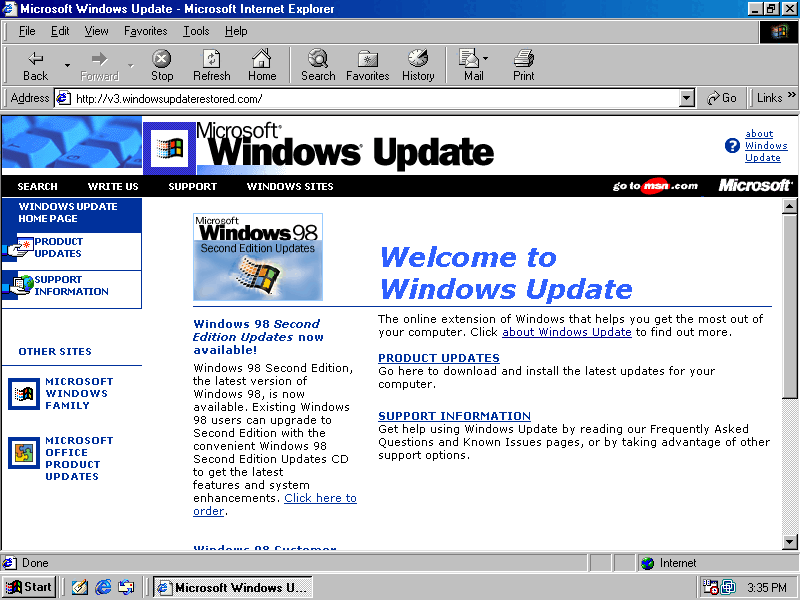
V3.1 Homepage
V3.1 Homepage
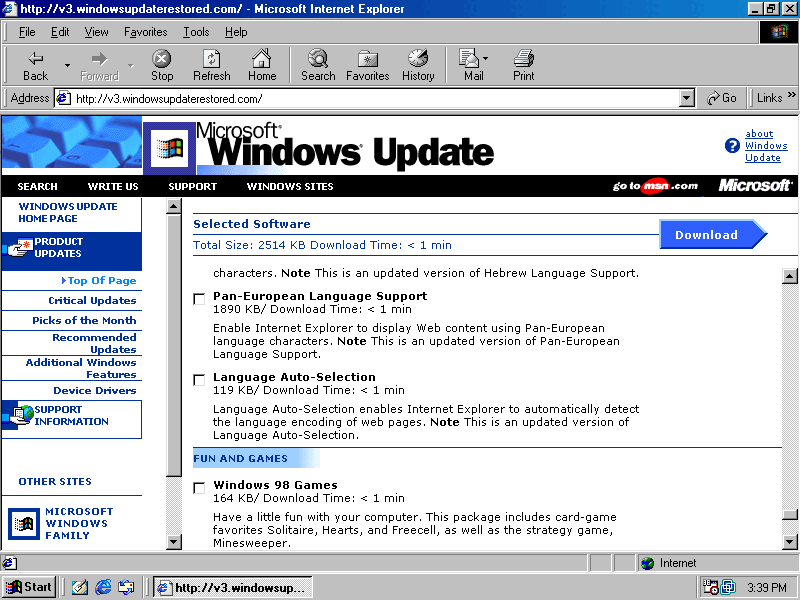
Product Catalog
Product Catalog
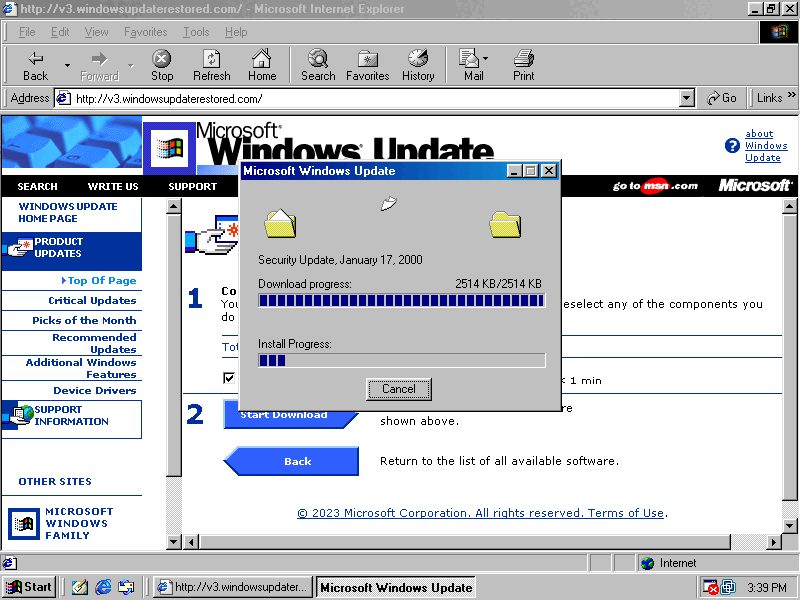
Download Basket
Download Basket

Back to top ▲