|
Choose a Windows Update website. All of them need Internet Explorer, and V5 and V6 also need the Windows Update Restored Prerequisites Installer.
 |  |  | |  | Did this computer use Windows Update before 2011? Run the Inventory Checker first. The files it finds help us restore lost updates, and visiting Windows Update Restored overwrites them. |
| |  | |  |
 |  Seven years of Windows Update |  |
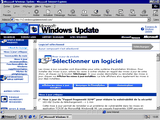
| Windows Update V2
The earliest version of the Windows Update website.
Works on: Windows 95 (with Internet Explorer 4.0), Windows NT 4.0 (with Internet Explorer 4.0), Windows 98 First Edition
|
|
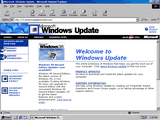
| Windows Update V3.1
The classic 1999 experience, and the last version for Windows 95 and NT 4.0.
Works on: Windows 95, Windows NT 4.0 (SP3 to SP6a), Windows 98 and 98 SE, Windows Me, Windows 2000 (up to SP2)
|
|
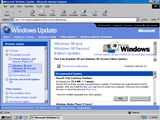
| Windows Update V4
The XP style site that introduced the Windows Update Catalog.
Works on: Windows 98 and 98 SE, Windows Me, Windows 2000, Windows XP (up to SP2), Windows Server 2003 (up to SP1)
|
|
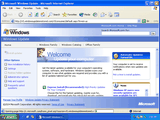
| Windows Update V5
| | | Needs the
Prerequisites Installer |
|
Express and Custom scans.
Works on: Windows 2000 (SP3 and later), Windows XP, Windows Server 2003
|
|
| Windows Update V6
| | | Needs the
Prerequisites Installer |
|
The last classic Windows Update website.
Works on: Windows 2000 (SP3 and later), Windows XP, Windows Server 2003
|
|
Not sure which one to pick? See the Compatibility Guide.
Visit the Help and Support Center, or ask us on Discord or MSFN.
|



 Need help?